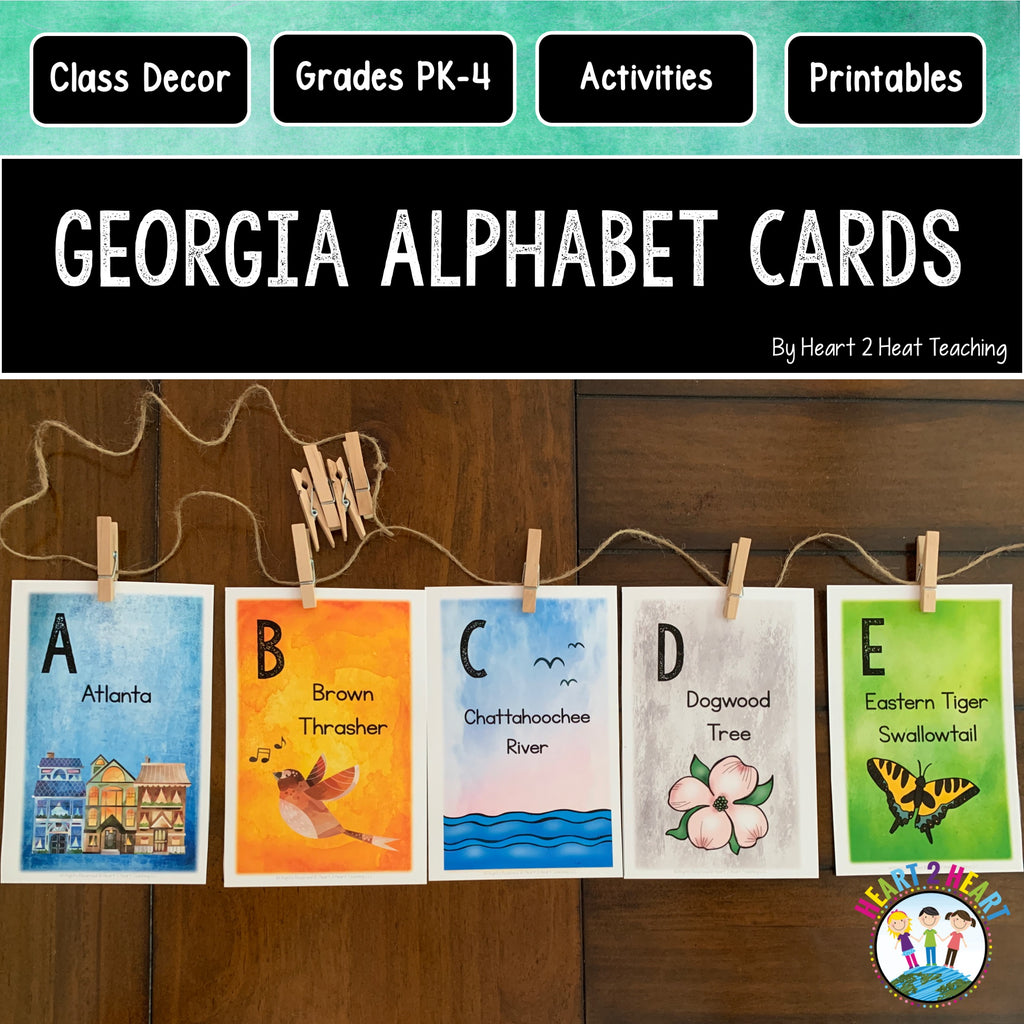
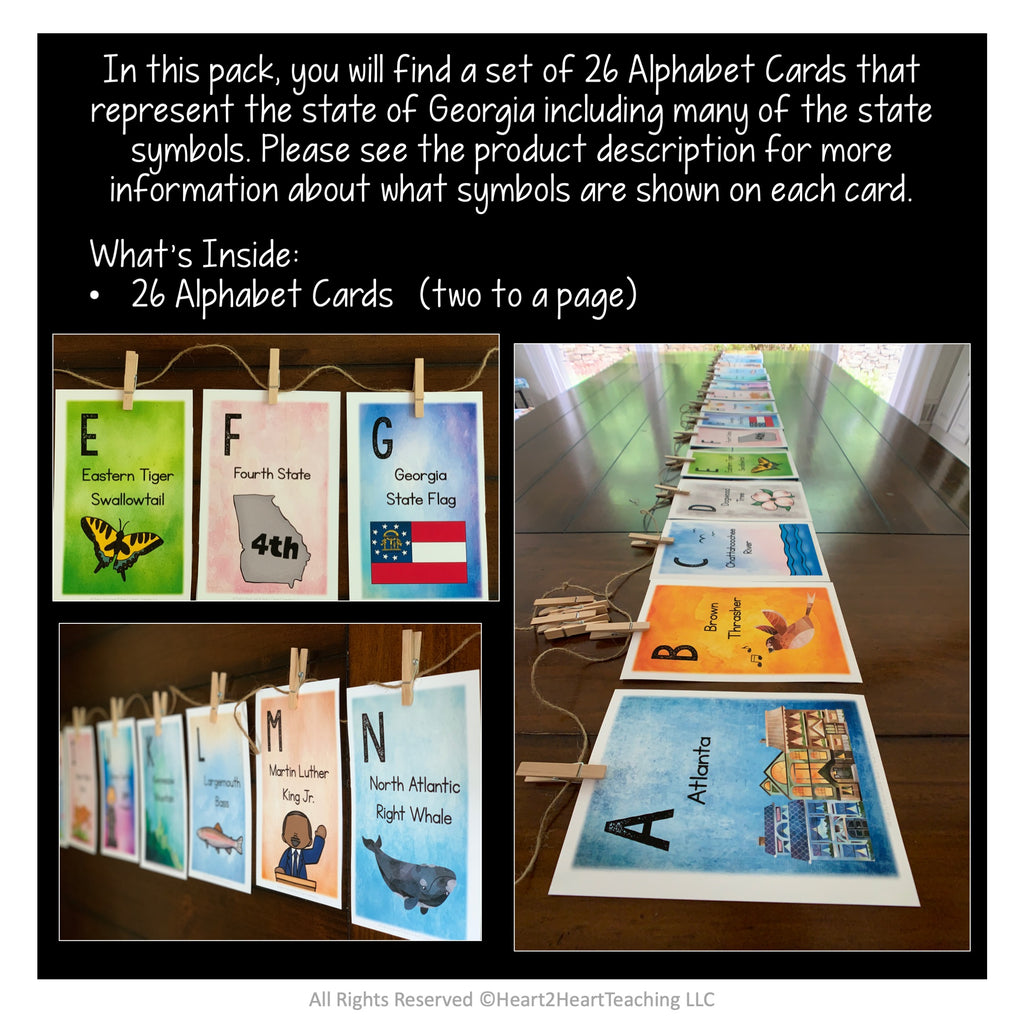
In this pack, you will find a set of 26 Alphabet Cards that represent the state of Georgia including many of the state symbols.
What's Inside:
►26 Alphabet Cards (two to a page)
Symbols on Each Page:
A - Atlanta
B - Brown Thrasher
C - Chattahoochee River
D - Dogwood Tree
E - Eastern Tiger Swallowtail
F - Fourth State
G - Georgia State Flag
H - Honeybee
I - Indian State Park
J - Jimmy Carter 39th President
K - Kennesaw Mountain
L - Largemouth Bass
M - Martin Luther King Jr.
N - North Atlantic Right Whale
O - Oak Tree
P - Peach State
Q - Quartz
R - Cherokee Rose
S - Savannah
T - Tybee Island
U - Umbrella (always bring an umbrella with you!)
V - Vidalia Onion
W - White-Tailed Deer
X - Extra Sweet Tea
Y - You!
Z - Zoo
Due to the many images, this unit is a large file. our shop recommends that if the file is a PDF, especially a PDF with a lot of graphics, it may look fine on your screen, but may not print out correctly. If you’re having trouble printing a PDF, please be sure that you're opening the PDF with the latest version of Adobe Acrobat Reader. Once this application is downloaded and installed to your computer:
- Open the PDF file with Adobe Acrobat Reader
- Click "Print"
- In the “Page Sizing & Handling” section, select “Shrink Oversized Pages” if needed
- Click on "Advanced"
- Check the "Print as Image" box
- Print the document
Steps:
- For best results, print the cards on cardstock. I use Premium Brochure and Flyer Paper from Office Depot to make the colors really pop. Remember to set the printer at the best quality setting.
To Hang Alphabet Cards:
Cut cards in half on the dotted line. I purchased some small clothespins, hooks, and spool of twine from Target. I recommend measuring the wall space where you plan to display them. Then cut a piece of twine longer than the wall space to leave some extra twine at each end. Hang your hooks on the wall. Next, line up the twine and cards on a flat surface such as a table or countertop and space them out evenly leaving space at each end. Clip the clothespins to the middle of each card. Hang up the cards and adjust the cards needed.
This is a Digital Download. No Physical Product will be shipped.
SEE IT ON TPT
LEGAL DETAILS:
- These specific files are © Heart 2 Heart Teaching, LLC. All rights reserved.
• For personal use, classroom use, and non-commercial use only. It is unlawful to distribute any part of this file for any reason (whether they are free or for purchase).
- Clipart, graphics, photographs, found inside this product are copyrighted. They may not be extracted from this file without written permission from the original artist(s).
We'd love to see how you use these activities in your classroom. Tag @heart2heartteaching on Instagram!
FAQ’S:
How will I receive my download?
Once purchased, you will first receive an order confirmation email. Right after that, you receive a separate email with a link that you will click to download the zipped file. You will receive one or more PDF files.
What if I can't find the email with the Printable in it?
If you're using Gmail as your mail service, be sure to check the "spam," "promotions," and "updates" folders/tabs! Your email will be sent via our automated system (omitting the potential for human error) so if you ordered the download and entered the correct email address, you can be sure it's in your email somewhere!
What's a ZIP file?
Many of our resources are in a compressed ZIP file. A ZIP file is a compressed folder with multiple files. A ZIP file takes up less storage space making it easier to download. ZIP files are able to be opened easily, just follow the steps below depending on your system.
For Microsoft Windows:
- Right click on the ZIP folder
- Choose Extract All from the menu
- Choose a place to save the file
- Click Extract
For Google Chrome:
- After it finishes downloading
- Click on the download box at bottom left of the browser page
- Click Extract All at the top of the page
For Mac Users:
- Double click on the ZIP folder
- The file should automatically extract
Other Options--try opening the ZIP file using one of these free websites:
Where do I print my download?
For BEST RESULTS, print the posters on the premium brochure and flyer paper from Office Depot. Using this paper gives the posters a vibrant look that really makes the colors pop! Or send the file to a print shop. But don't worry about that if you need these quickly! Just print on regular paper on the best quality setting on your printer.
Having Printing Issues?
Many of our files are large PDFs with a lot of graphics and photographs. Sometimes, it may look fine on your screen, but may not print out correctly. If you’re having trouble printing a PDF, please be sure that you're opening the PDF with the latest version of Adobe Acrobat Reader
After downloading and installing Adobe Acrobat Reader:
- Open the PDF
- Click Print
- Select Shrink oversized pages
- Click Advanced
- Check the box: Print As Image
- Click Print